
Version History
Check for Updates
DayBack is continually refined and updated, with new builds released every couple of weeks. These updates introduce new features and enhance existing ones.
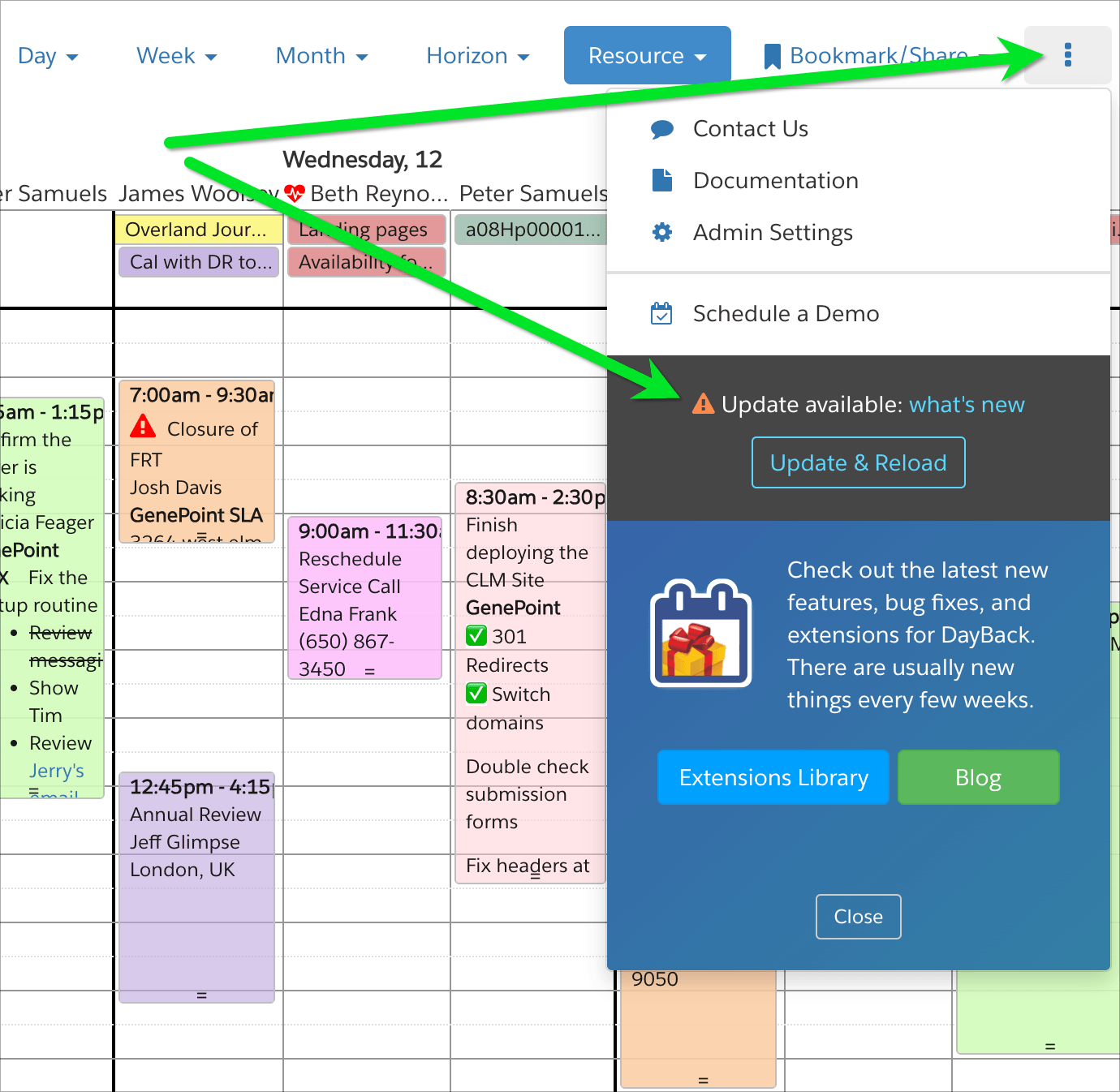
To make sure you have the latest version, refresh your browser and visit the updates status from the three-dots menu in DayBack:
Review the Latest Updates
For the most current version history and status updates, visit our updates page at https://updates.dayback.com/ You can also subscribe to updates there so you can try new features in beta before they're released.
Salesforce Updates
DayBack is a Canvas app in Salesforce, so all updates are available to Salesforce users in real-time without the need to load a new package or wait for a Salesforce release.